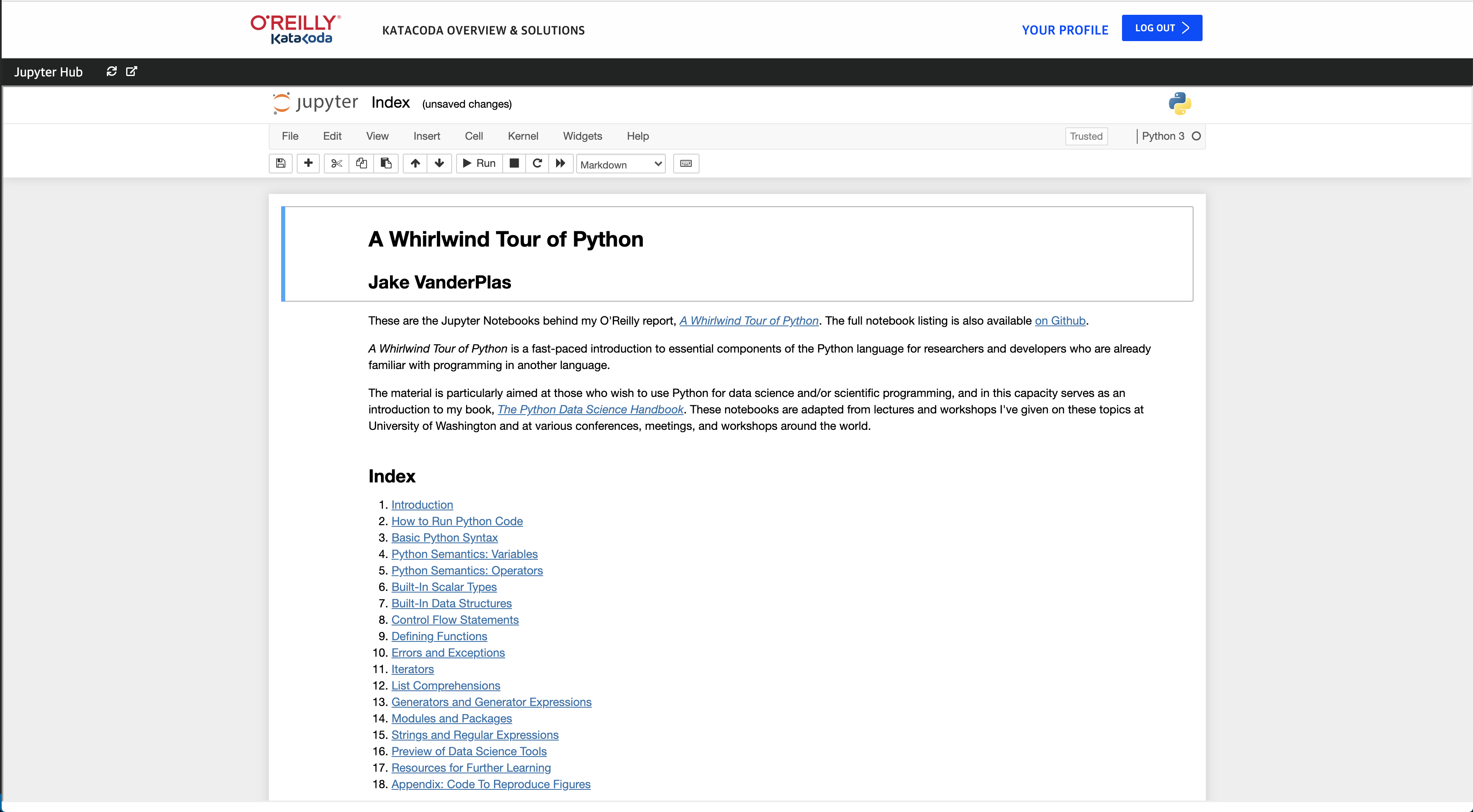
# Using Jupyter Notebooks with Katacoda
Katacoda has the ability to host Jupyter Notebooks and deliver a full interactive hosted environment to learners.
# Authoring Notebooks
The first step is to create an index.json as shown below. This defines that the scenario type is a Jupyter Notebook and the Katacoda environment required.
The Notebook ipynb files should be replaced in the root of the scenario folder alongside the index.json.
After committing and pushing the changes, the scenario will appear on your Katacoda Profile.
# Datasets
If you require Notebooks to use large datasets, include the required files in a data directory within the scenario directory.
All of the files will be available in the Notebook environment at the top-level of the filesystem in a directory called /data.
# Defining Notebook Environment
At the moment, only python:3.8 is supported. If you need additional tooling please contact Support.
# Example index.json
Copy and paste the following into your index.json,
{
  "type": "[email protected]",
  "backend": {
    "imageid": "python:3.8"
  }
}
See https://github.com/katacoda/scenario-examples/tree/main/notebooks-py-slim for a complete example.
# Example UI